YouTubeThumbnailEnhancer
Enhance YouTube thumbnails online with AI. Get sharp, vivid, high-click YouTube thumbnails.
Your content is strong. Your thumbnail should open that door well.
A YouTube thumbnail is the cover of everything you created. Upload yours and the AI sharpens, vivifies, and enhances it — so it opens the door to your content the way your content deserves.
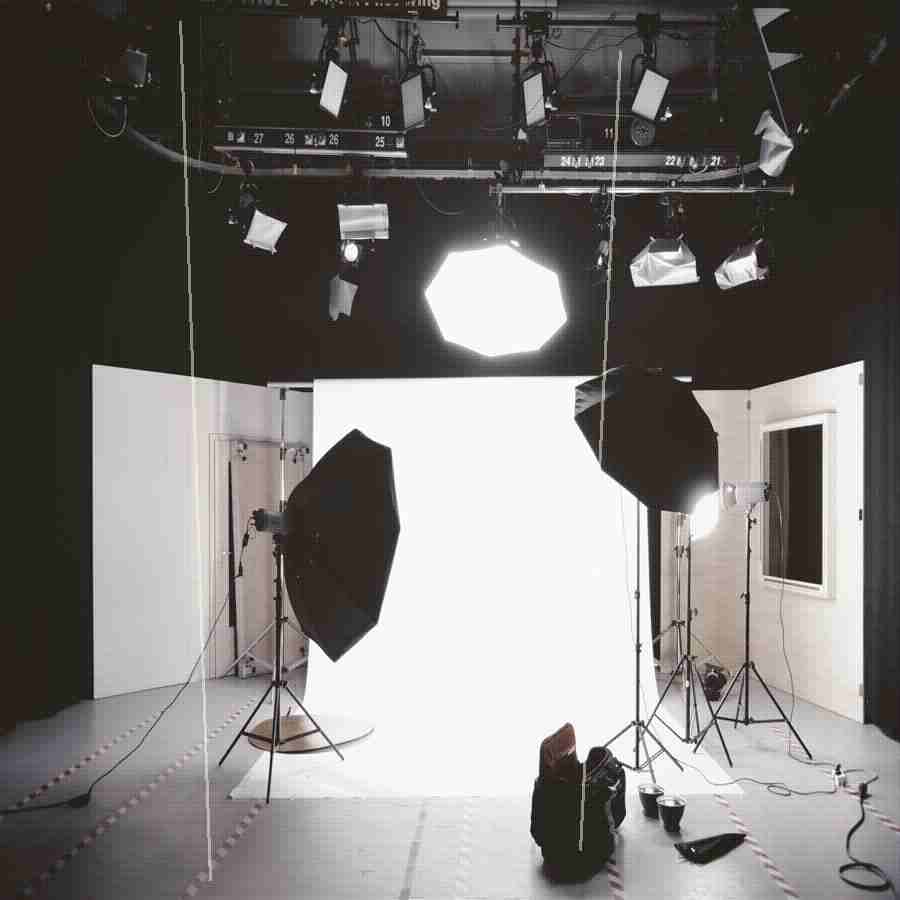
How It Works
Upload your YouTube thumbnail.
Let the AI restore and enhance the photo automatically.
Download the enhanced YouTube thumbnail.
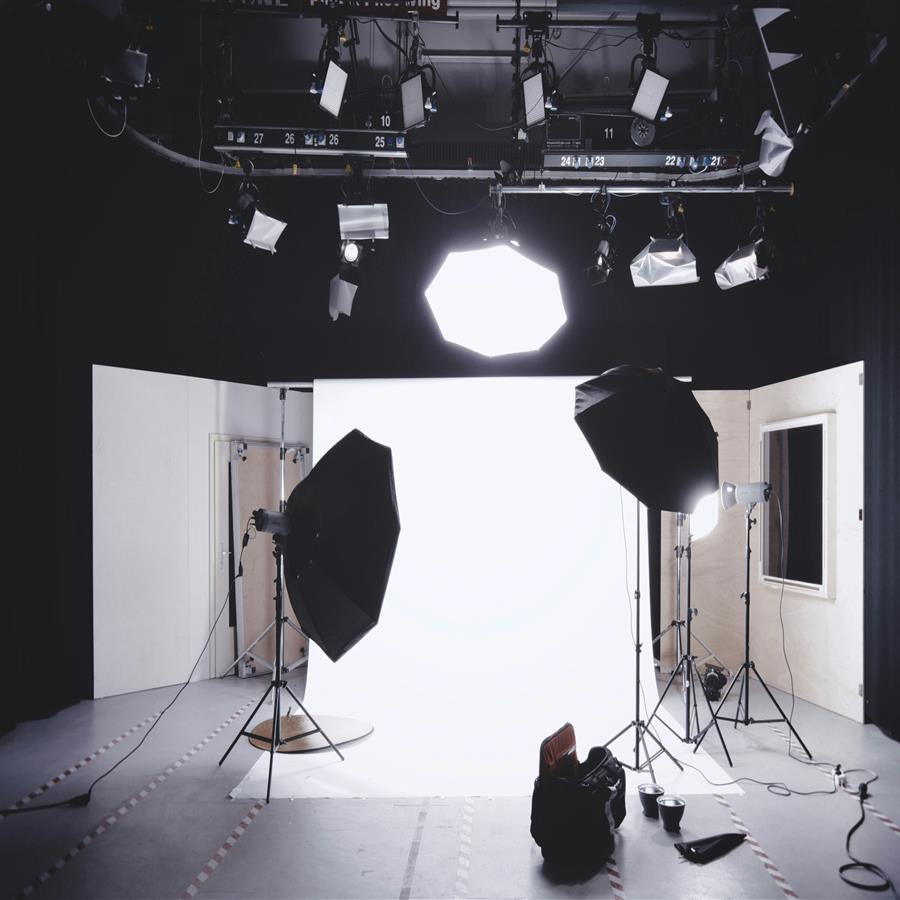
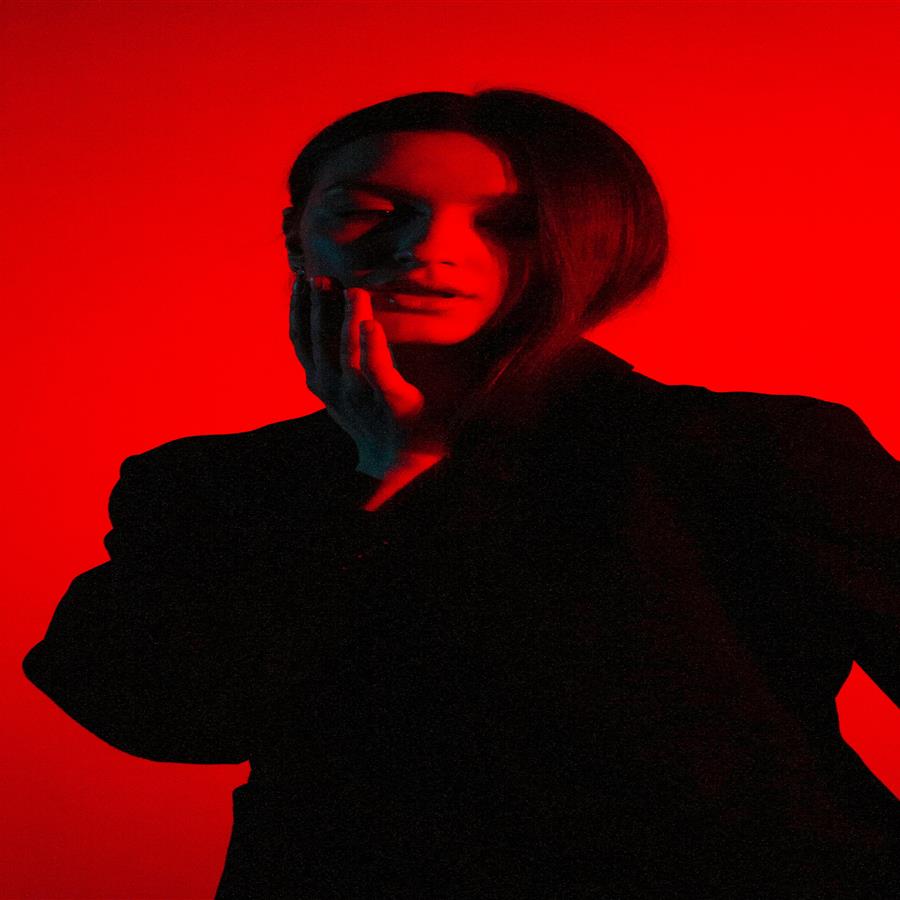
Before vs After
A standard YouTube thumbnail enhanced to sharp, vivid, high-click quality.
The preview stays lightweight for fast loading, while the premium engine is built for clean high-resolution 4K and 8K output when the source photo supports it.
Why Premium
Khagatara Studio uses a GPU pipeline built for important portraits: face restoration first, then AI upscaling for crisp final output.

Useful Answers
What size does YouTube recommend for thumbnails?+
YouTube recommends 1280x720px at 16:9 aspect ratio. AI output matches this standard.
Does thumbnail enhancement help with YouTube CTR?+
Sharper, more vivid thumbnails are shown to improve click-through rates.
Can I enhance a thumbnail with text or graphics on it?+
Yes. The AI enhances the full thumbnail including any text or graphic elements.