MakeOldPhoto Look New
Make old photos look new with AI. Restore faded colours, recover detail, and give old images the quality they deserve.
It looked better in your memory. Now it can match.
Memory keeps every photo sharp. The actual print does not always agree. Upload your old photo and let the AI close that gap — so the image finally looks as good as the moment felt.
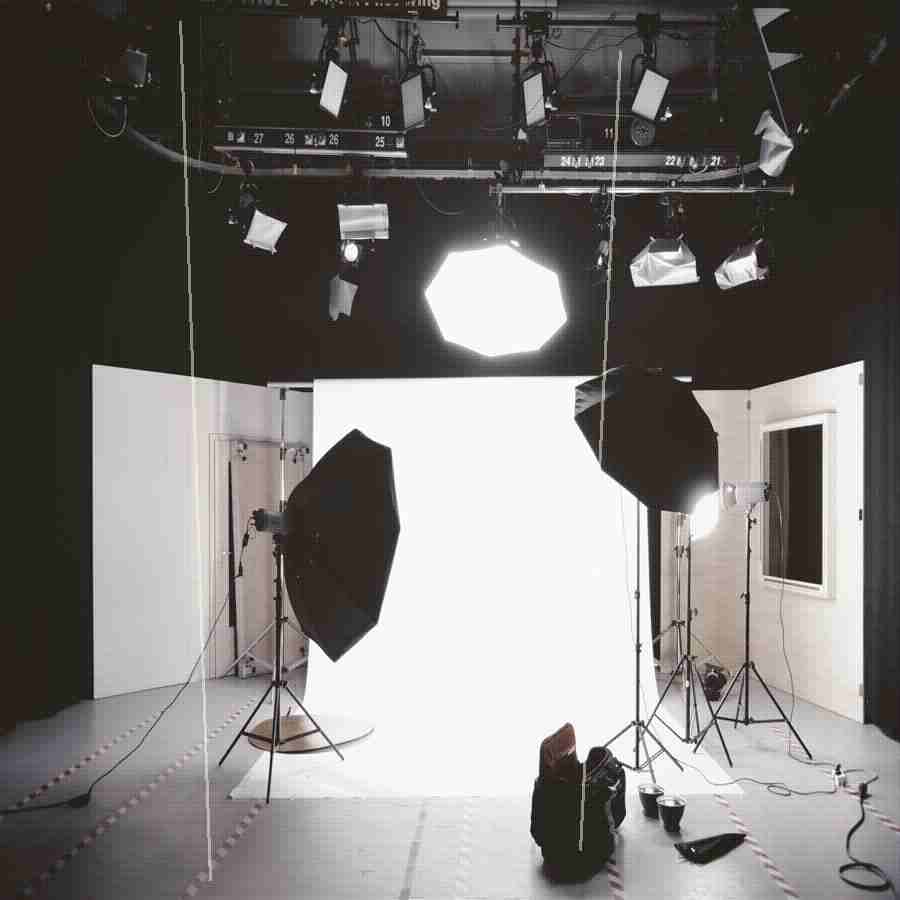
How It Works
Upload your old photo.
Choose AI Enhancement mode.
Preview and download your restored image.
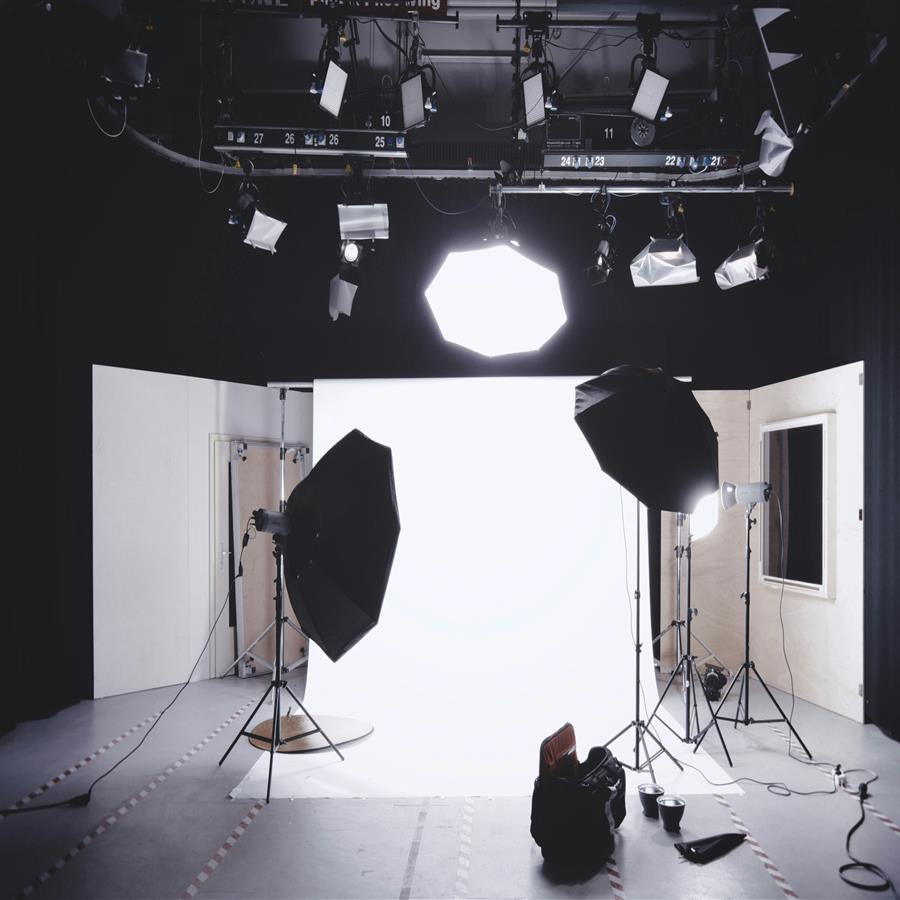
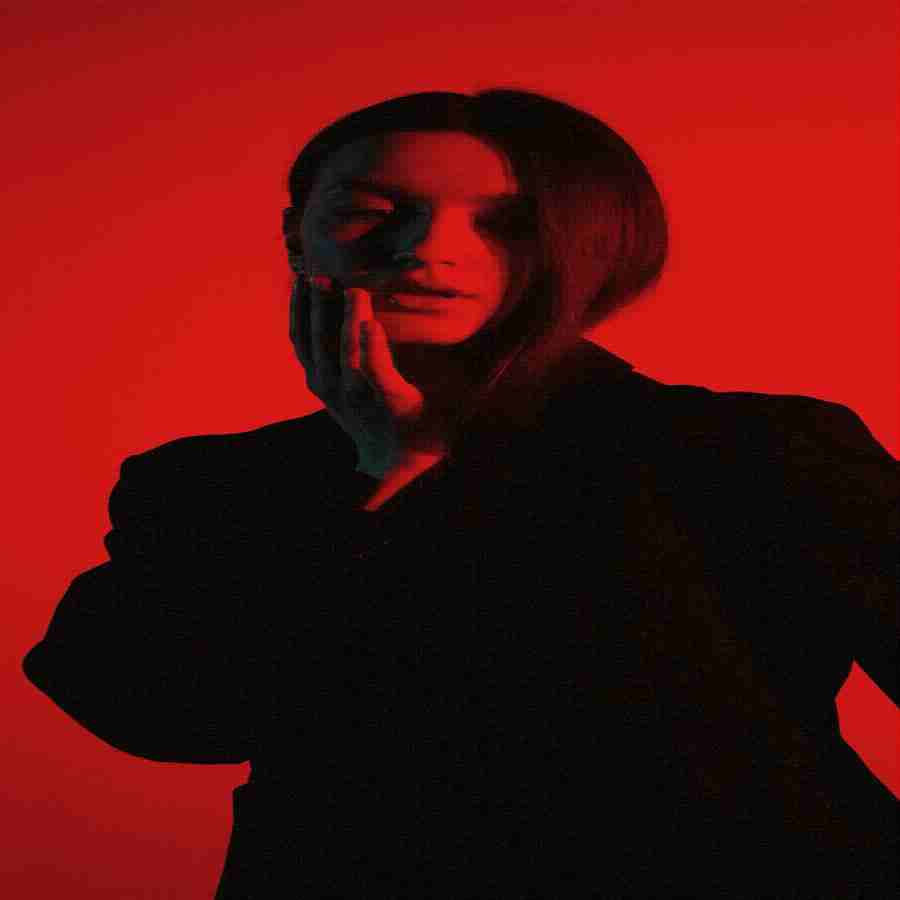
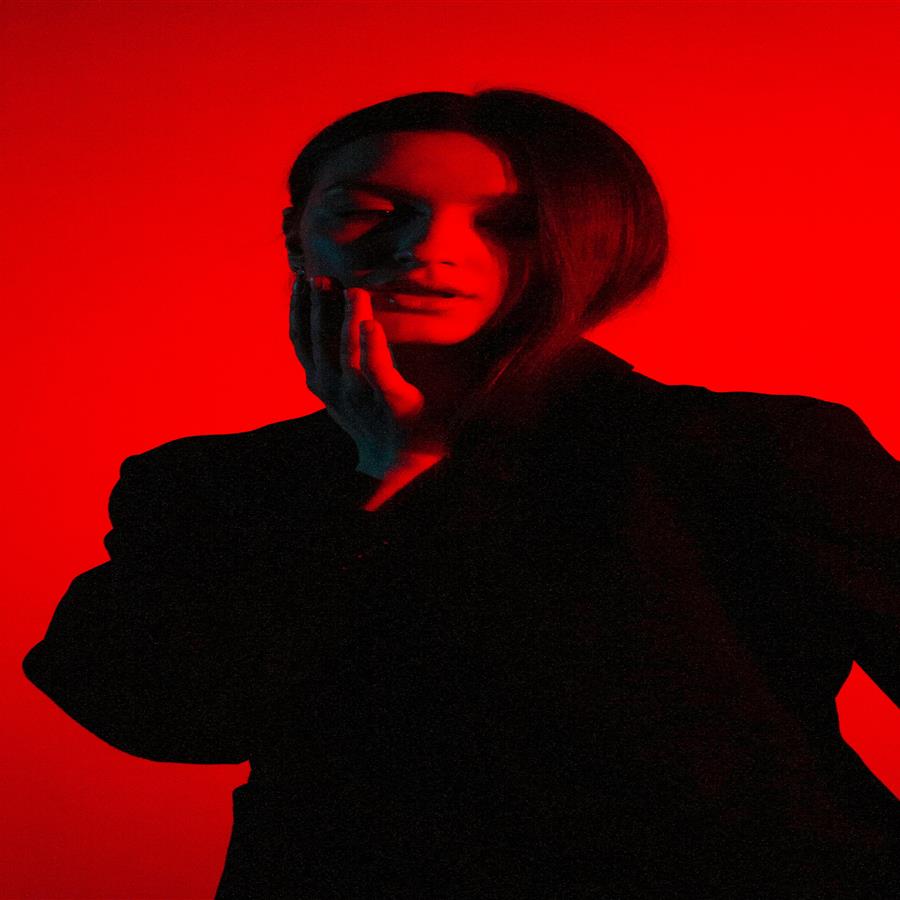
Before vs After
A dull, aged photo brought back to vivid, new-looking quality without losing its original character.
The preview stays lightweight for fast loading, while the premium engine is built for clean high-resolution 4K and 8K output when the source photo supports it.
Why Premium
Khagatara Studio uses a GPU pipeline built for important portraits: face restoration first, then AI upscaling for crisp final output.
Useful Answers
How do I make an old photo look new?+
Upload the photo and select AI Enhancement. The tool sharpens, repairs, and restores the image to a clean modern quality.
Does it change the original photo?+
No. The original is never altered. You download a new enhanced version.
What resolution will the output be?+
Output resolution depends on the selected tier — from HD up to 8K.