ScannedPhotoEnhancer
Enhance scanned photos online with AI. Improve quality, remove scan artefacts, and restore scanned photographs.
Scanned to survive. Enhanced to be seen properly. Do it well.
Scanning preserves a photo digitally but often introduces its own quality issues — lines, colour shifts, soft detail. Upload your scanned photo and the AI removes the scan artefacts and enhances the image to proper digital quality.
How It Works
Upload your scanned photo.
Let the AI restore and enhance the photo automatically.
Download the enhanced scanned photo.
Before vs After
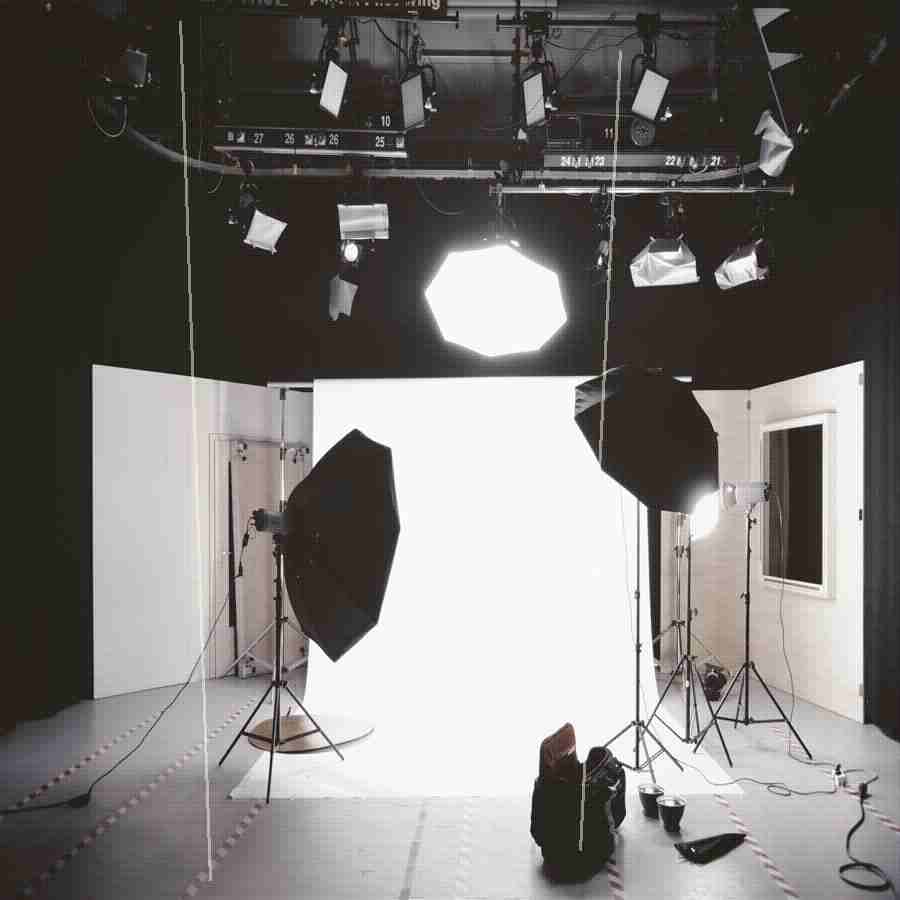
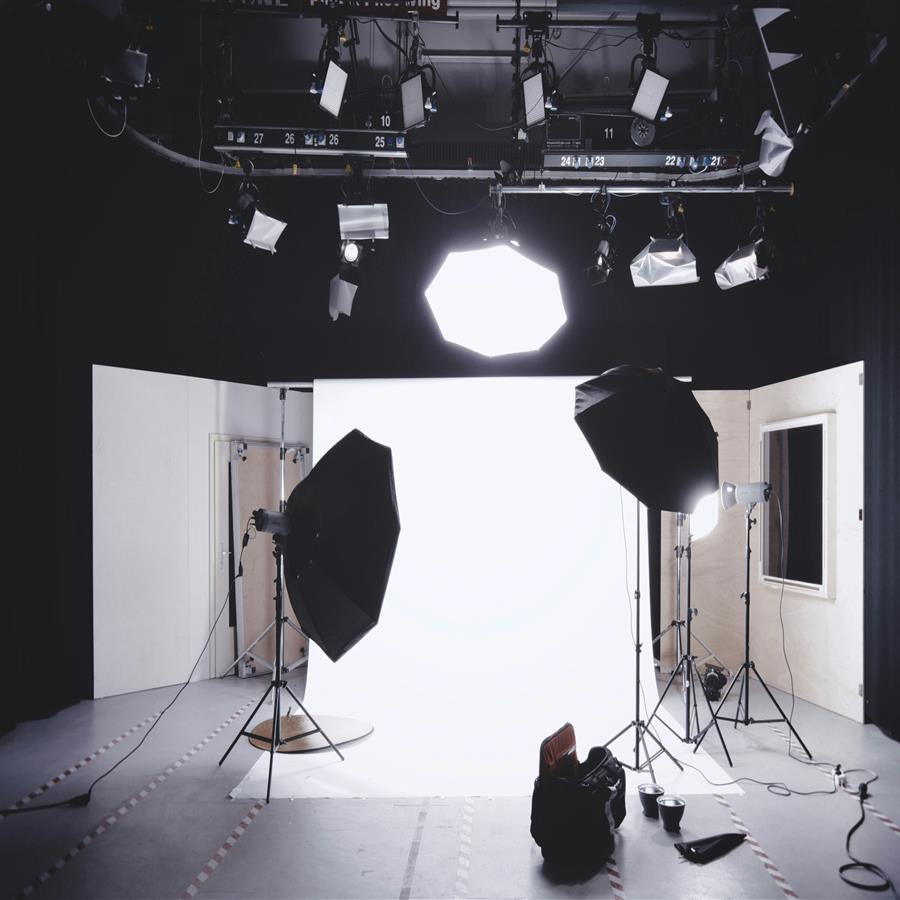
A scanned photo with scan artefacts removed and quality enhanced to clean, sharp digital output.
The preview stays lightweight for fast loading, while the premium engine is built for clean high-resolution 4K and 8K output when the source photo supports it.
Why Premium
Khagatara Studio uses a GPU pipeline built for important portraits: face restoration first, then AI upscaling for crisp final output.


Useful Answers
Can AI remove scan lines from scanned photos?+
Yes. Scan lines, moiré patterns, and other scan artefacts are removed by the AI.
Does AI enhance scanned photo colour?+
Yes. Colour shifts and fading from the scanning process are corrected.
Can I enhance a photo scanned from a flatbed scanner?+
Yes. Photos from all scanner types are supported.