MakePhotoClear
Make photos clear online with AI. Remove blur, sharpen detail, and get crystal clear photos instantly.
Make it clear. Make it real. Make it last.
A clear photo is a kept memory. An unclear one is a lost one. Upload yours and the AI removes the blur, the haze, and the compression artefacts — delivering a clear photo that can be seen, shared, and preserved properly.
How It Works
Upload your unclear photo.
Select AI Clarity mode.
Download the clear photo.
Before vs After
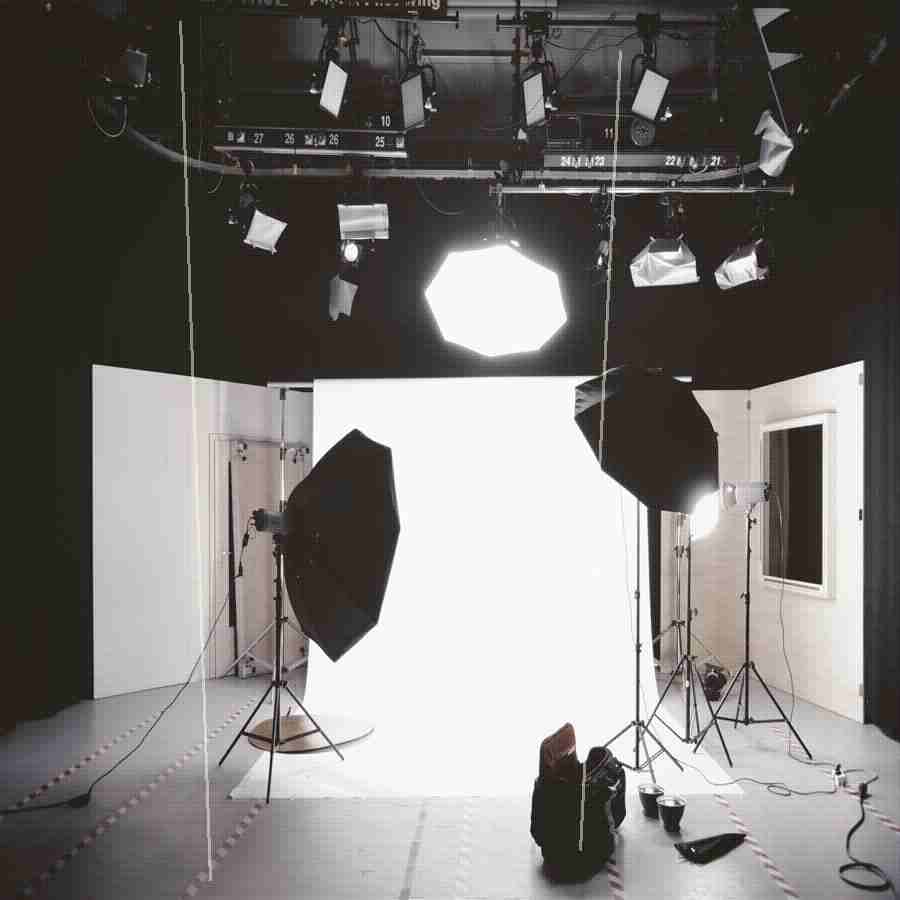
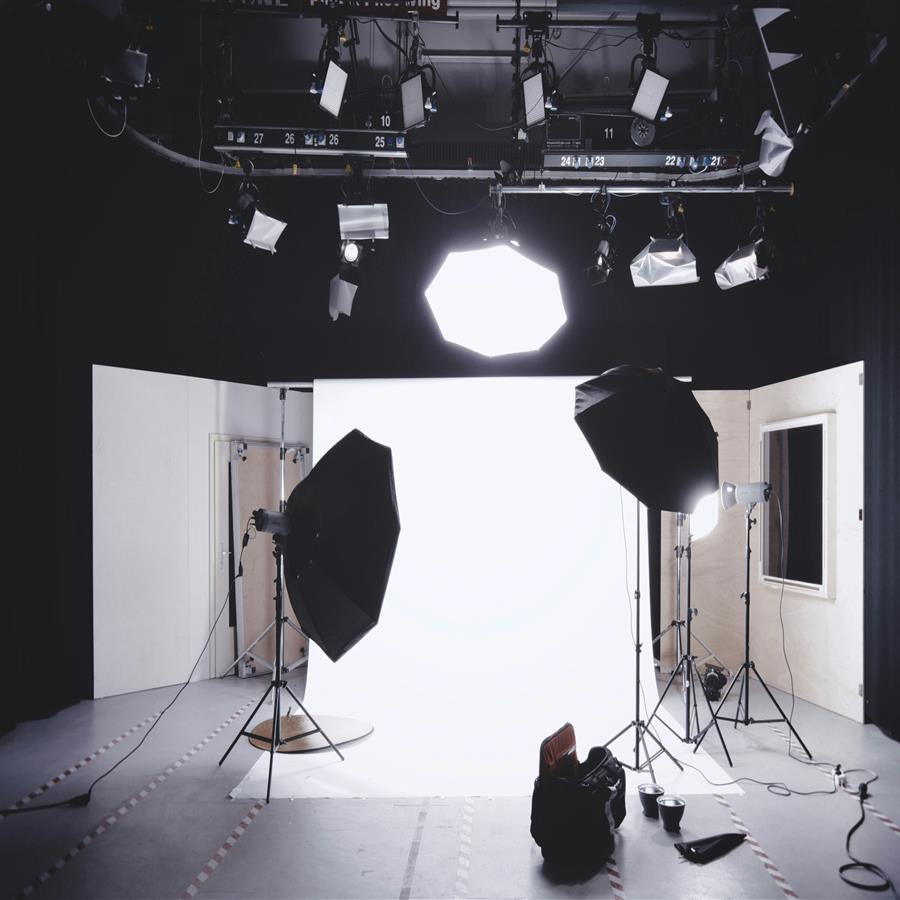
A blurry, unclear photo made sharp and crystal clear with full detail.
The preview stays lightweight for fast loading, while the premium engine is built for clean high-resolution 4K and 8K output when the source photo supports it.
Why Premium
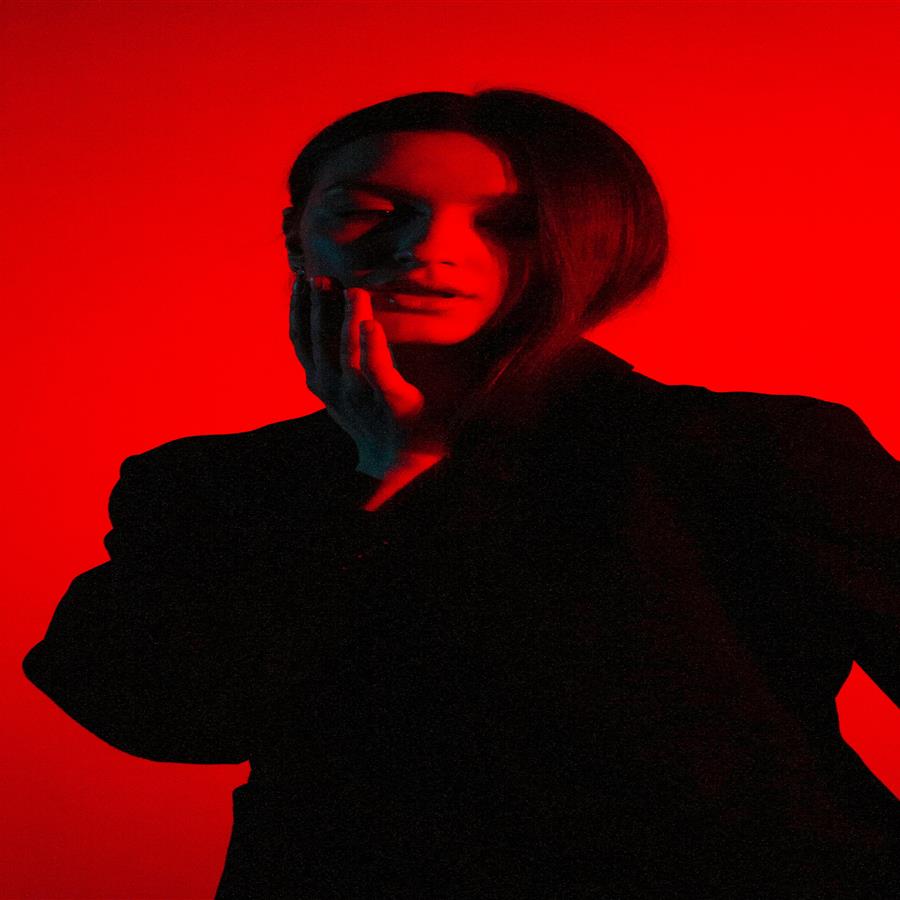
Khagatara Studio uses a GPU pipeline built for important portraits: face restoration first, then AI upscaling for crisp final output.

Useful Answers
How do I make a blurry photo clear?+
Upload the photo and select AI Clarity. The tool removes blur and sharpens detail automatically.
Can I make a very blurry photo clear?+
Significant improvement is possible. The AI reconstructs detail from available image data.
Does making a photo clear change its colours?+
No. The AI targets clarity only and preserves original colours accurately.