LowQualityPhoto Enhancer
Enhance low quality photos online with AI. Transform poor quality photos into sharp, clear, high-quality images.
Low quality photo. High quality moment. Restore the balance.
The moment was high quality. The camera, the connection, or the compression was not. Upload your low quality photo and the AI restores the balance — delivering a high quality image worthy of the moment it holds.
How It Works
Upload your low quality photo.
Let the AI restore and enhance the photo automatically.
Download the high-quality enhanced photo.
Before vs After
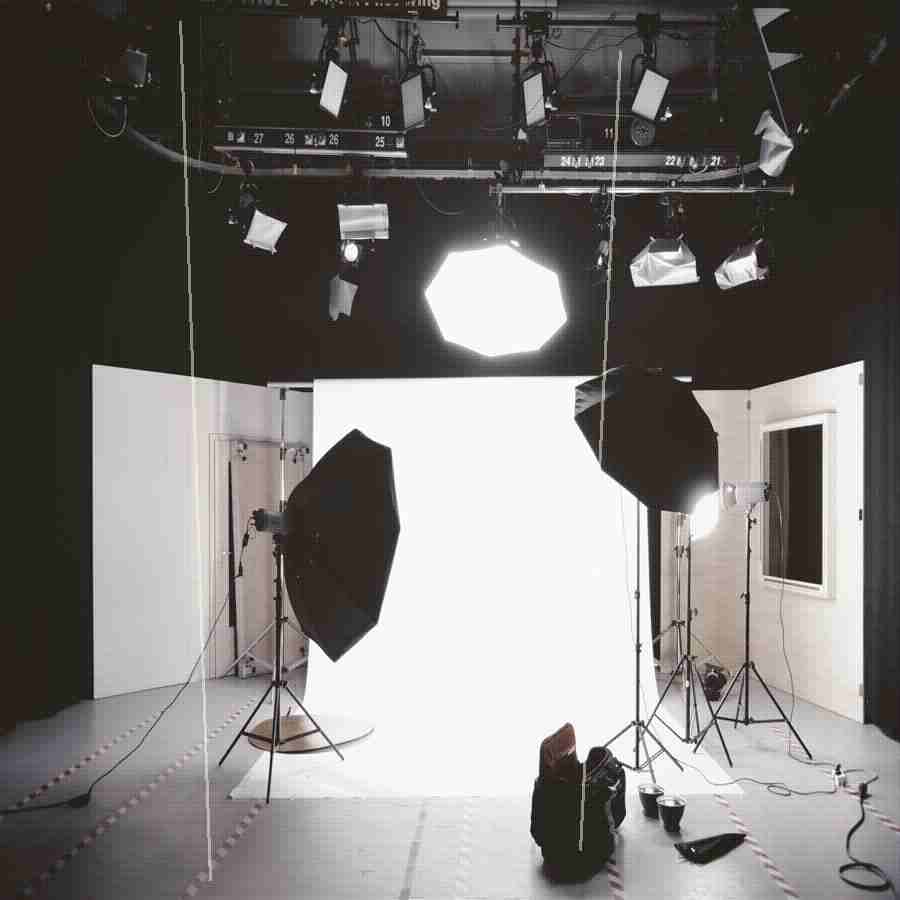
A low quality, grainy photo enhanced to sharp, clear, high-quality output.
The preview stays lightweight for fast loading, while the premium engine is built for clean high-resolution 4K and 8K output when the source photo supports it.
Why Premium
Khagatara Studio uses a GPU pipeline built for important portraits: face restoration first, then AI upscaling for crisp final output.

Useful Answers
How low quality can a photo be for AI enhancement to work?+
The AI works effectively even on very low quality photos as long as the main subject is visible.
Can AI enhance a 240p or very small photo?+
Yes. Very small photos are upscaled and enhanced simultaneously.
Does low quality photo enhancement look natural?+
Yes. The AI generates realistic detail that matches the original content.