PhotoforPrint Enhancer
Enhance photos for printing online with AI. Get print-ready photo quality from any original.
Print it. Frame it. Keep it for decades.
A photo worth printing is a photo worth printing well. Upload yours and the AI prepares it for print — sharpening the detail, improving the resolution, and delivering the quality that paper and frame deserve.
How It Works
Upload your photo for printing.
Select AI Print Enhancement.
Download the print-ready photo.
Before vs After
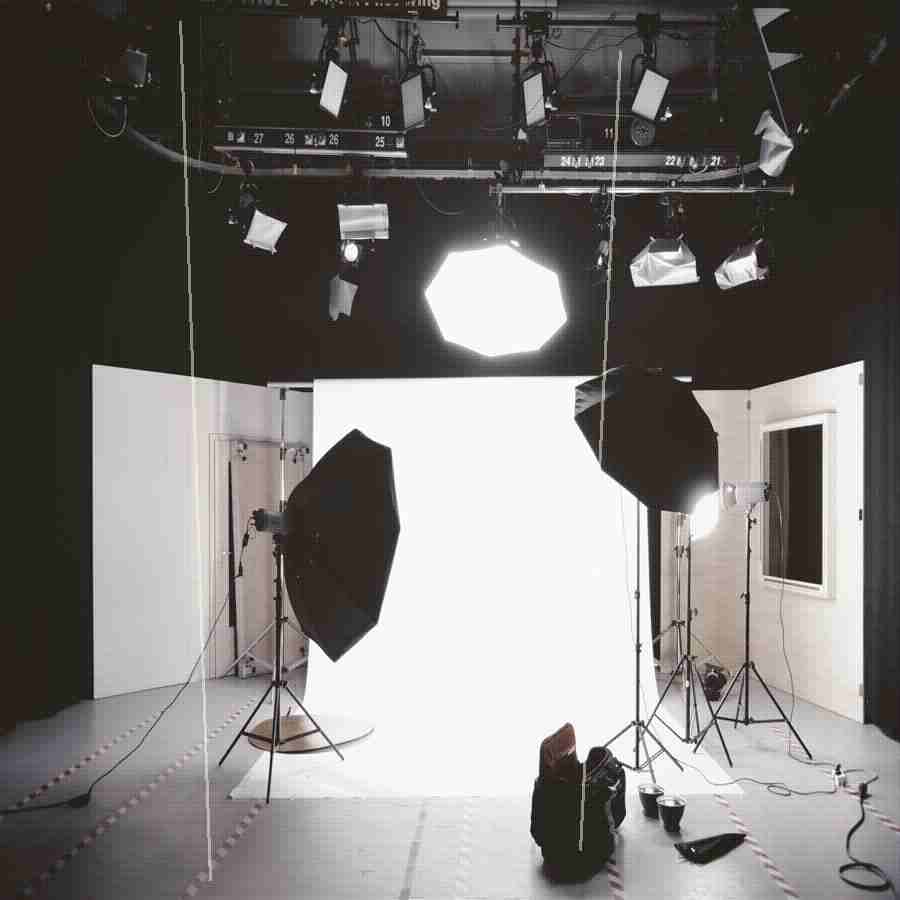
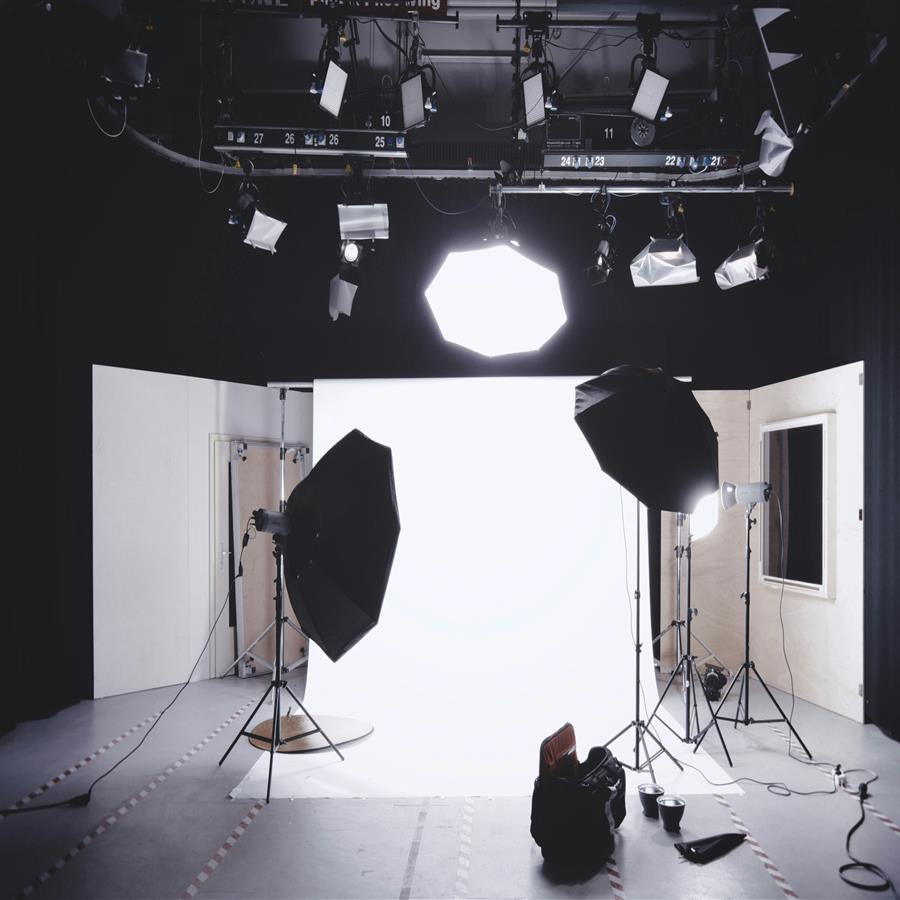
A standard digital photo enhanced to print-ready quality for framing and display.
The preview stays lightweight for fast loading, while the premium engine is built for clean high-resolution 4K and 8K output when the source photo supports it.
Why Premium
Khagatara Studio uses a GPU pipeline built for important portraits: face restoration first, then AI upscaling for crisp final output.


Useful Answers
What print sizes is AI enhancement suitable for?+
Standard sizes (4x6 to A3) with HD output. Large formats (A1 and above) require 4K or 8K.
Should I enhance before or after cropping?+
Enhance before cropping to maximise quality. Crop to your print dimensions after enhancing.
What file format should I use for printing?+
AI output as PNG. Most print services accept PNG or JPG.