SharpenFacePhoto
Sharpen face photos online with AI. Make soft, blurry face photos sharp and clear with AI face sharpening.
Sharp eyes. Sharp smile. Sharp memory. Now a sharp photo.
A sharp face photo says something that a blurry one cannot. Upload yours and the AI applies targeted face sharpening — not the harsh kind that creates artefacts, but the precise kind that reveals what was always there.
How It Works
Upload your soft or blurry face photo.
Select AI Sharpen mode.
Download the sharpened face photo.
Before vs After
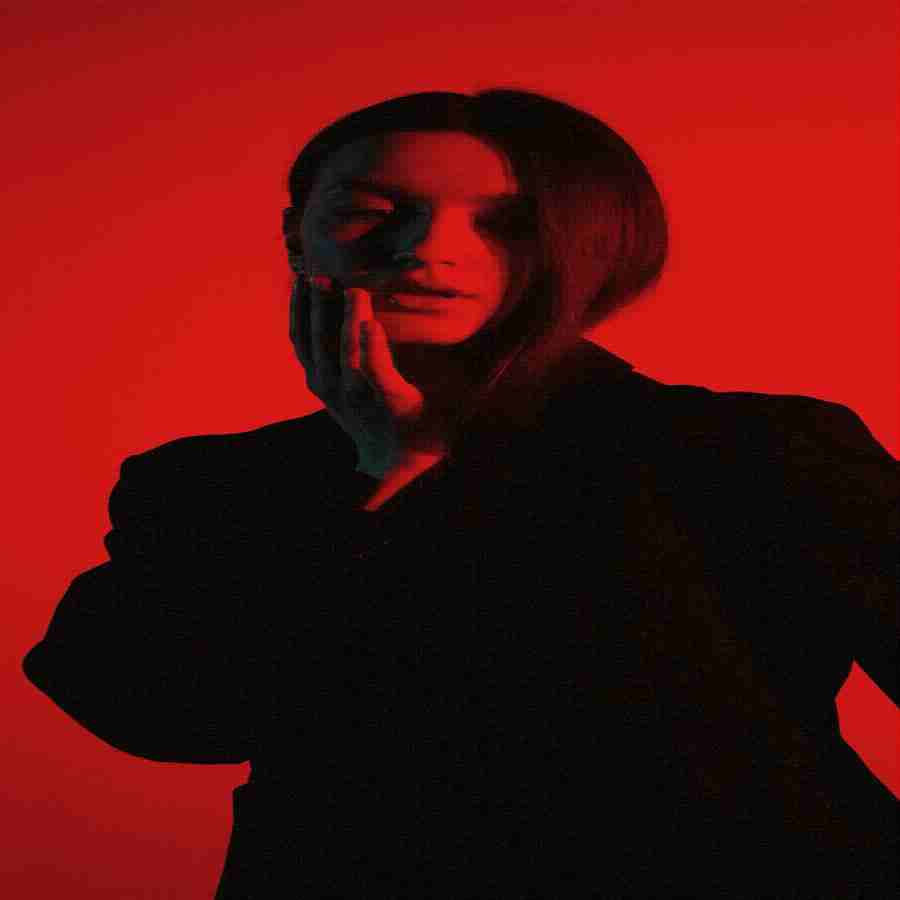
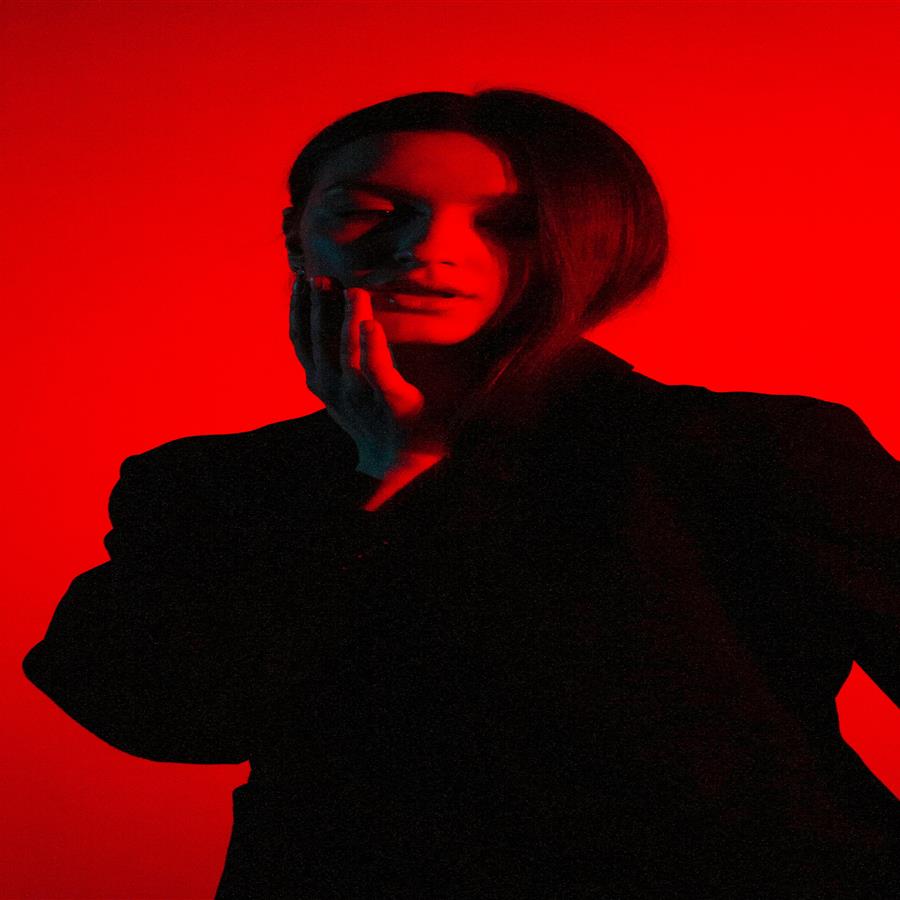
A soft, unsharp face photo sharpened to a crisp, clear portrait with precise facial detail.
The preview stays lightweight for fast loading, while the premium engine is built for clean high-resolution 4K and 8K output when the source photo supports it.
Why Premium
Khagatara Studio uses a GPU pipeline built for important portraits: face restoration first, then AI upscaling for crisp final output.
Useful Answers
Does AI sharpening look natural on faces?+
Yes. The AI uses face-specific sharpening that avoids halos and artefacts common with basic sharpening filters.
Can over-sharpening be avoided?+
The AI is calibrated to avoid over-sharpening. Results are natural and controlled.
Is sharpening suitable for printing?+
Yes. AI-sharpened face photos are suitable for printing at standard and large sizes.